
At Varsity Tutors, we’re committed to creating a productive and personalized learning experience for every student. Our virtual classroom is designed to support real-time collaboration and flexible content sharing, ensuring each session is tailored to your academic needs.
Whether you're preparing for a big test, working through homework challenges, or exploring enrichment topics, here’s how you can make the most out of every tutoring session.
A Feature-Rich Virtual Classroom
Varsity Tutors' virtual classroom is an interactive space where students and tutors connect through high-quality video. It’s equipped with a suite of powerful tools that support hands-on learning.
Please note that students will NOT be able to interact with these tools until the tutor joins and enables them:
-
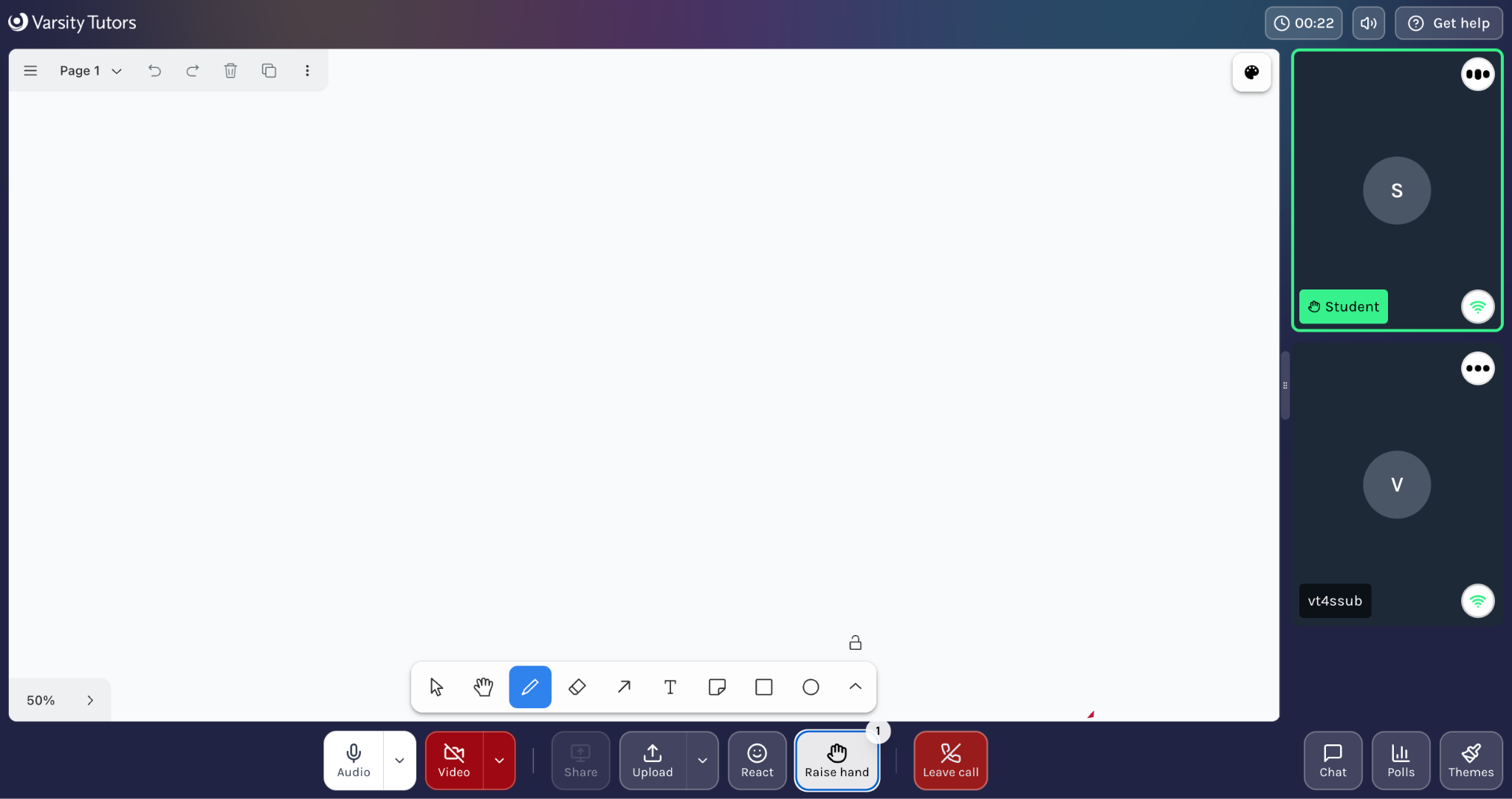
Shared Whiteboard: Collaborate in real time using drawing, highlighting, and annotation tools.
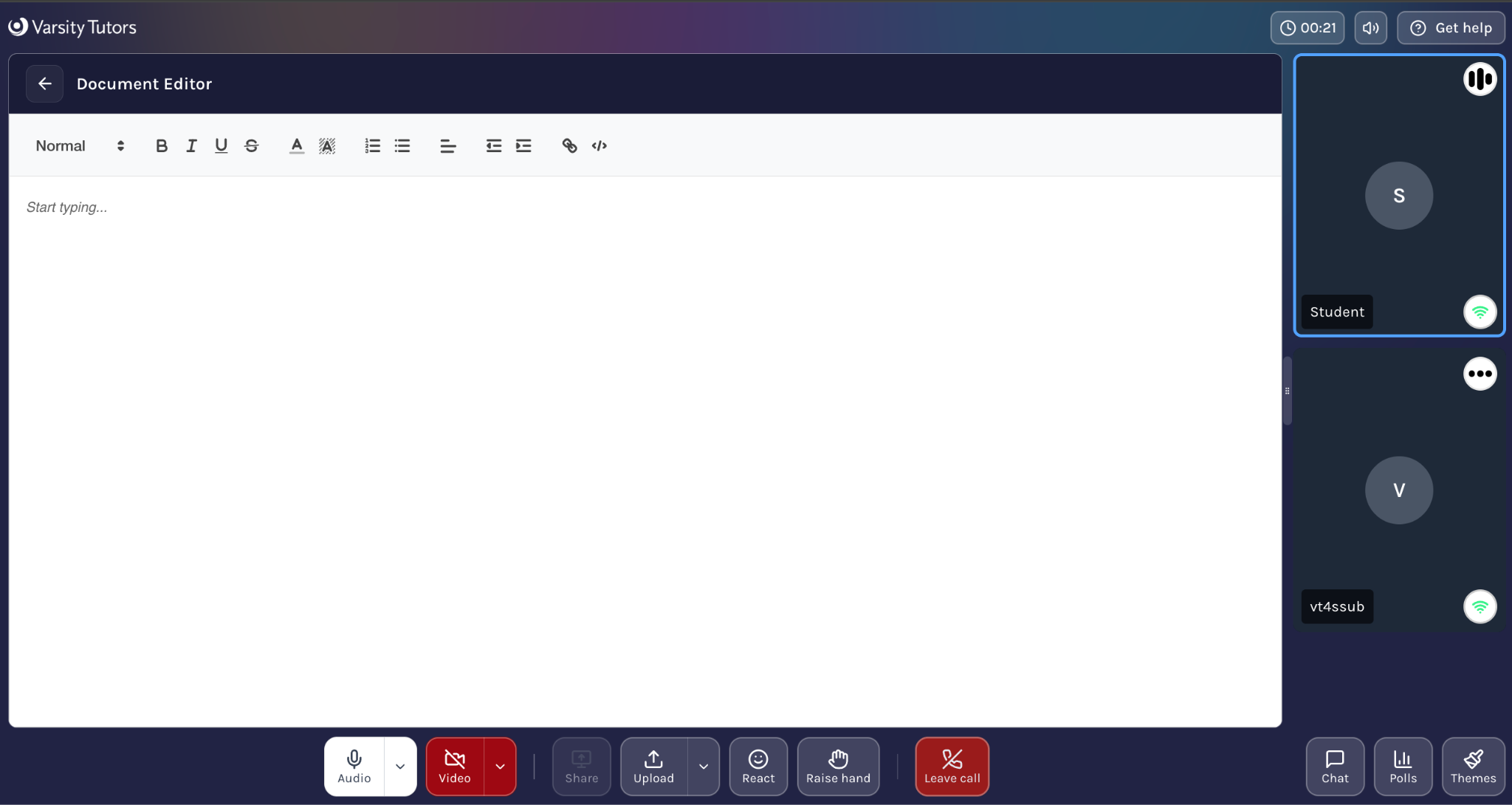
 - Document Editor: Work directly on essays, written assignments, or study guides together.
 - Scientific Calculator: Solve math and science problems seamlessly.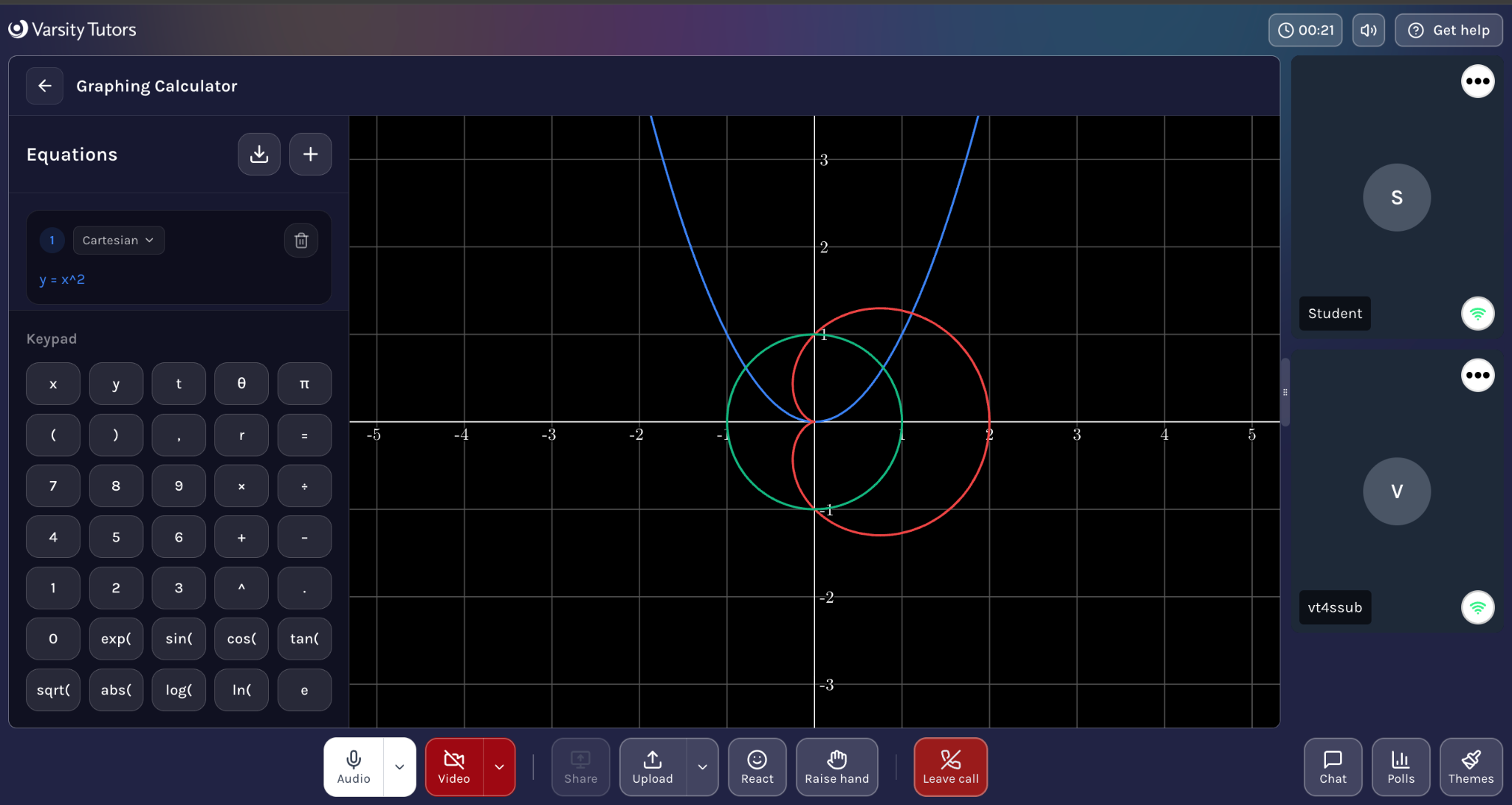
-
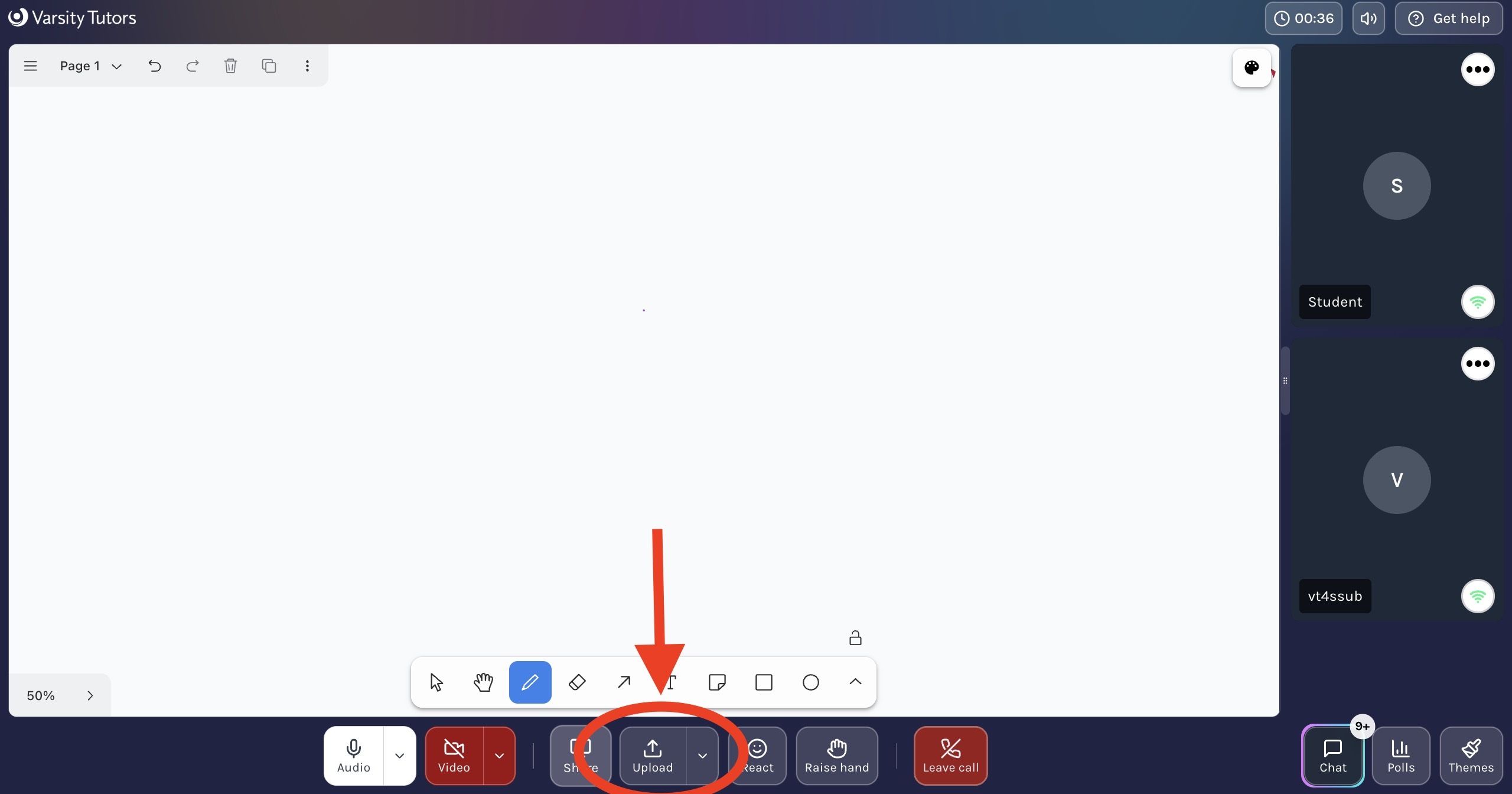
File Sharing: Upload and exchange documents instantly during the session.
-
-
Screen Sharing: Tutors or students can display their screens to walk through materials step-by-step.
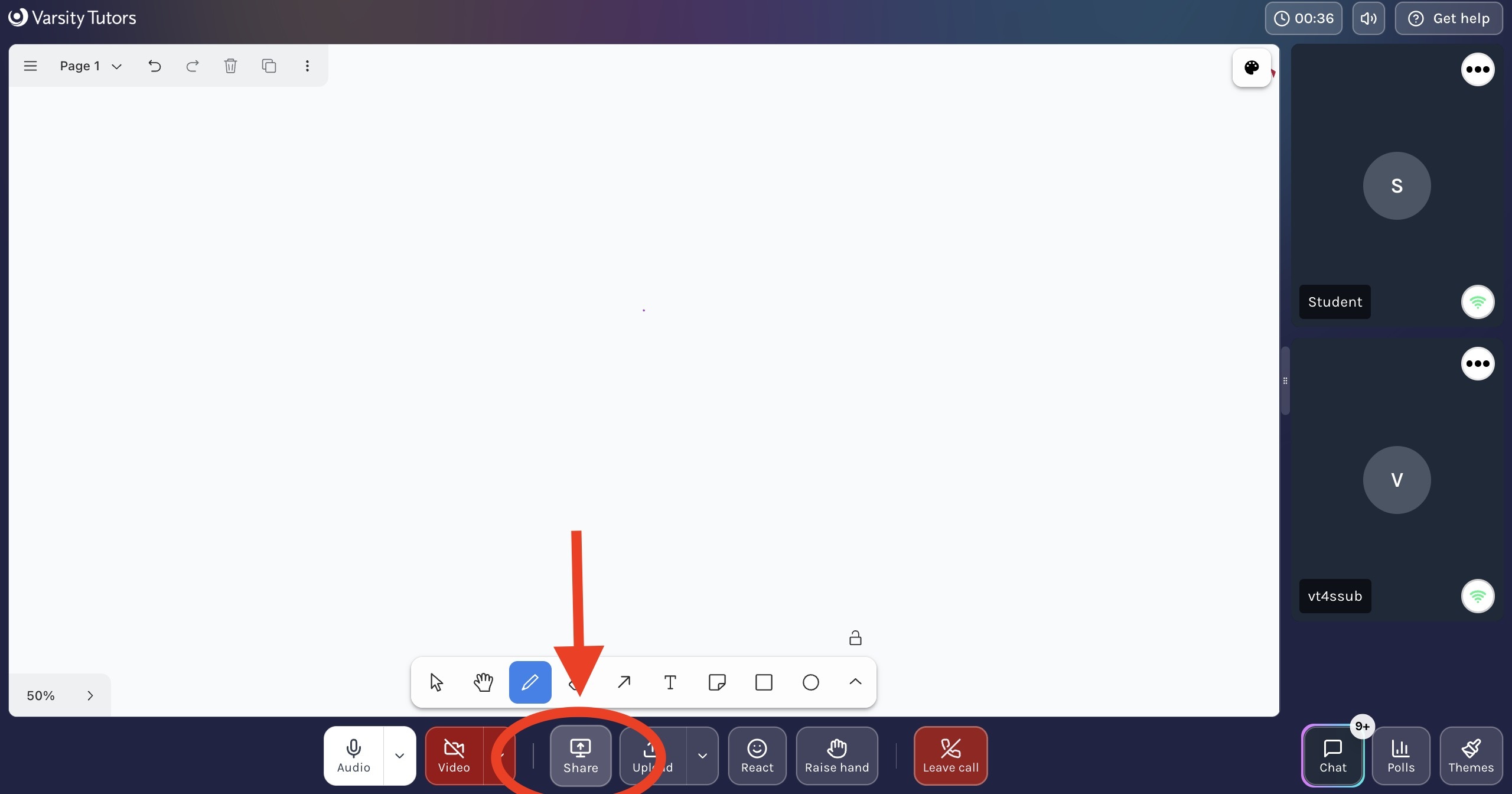
These tools are designed to give you flexibility and ensure your tutor can assist you effectively, no matter the subject or type of material.