The information below provides an overview and navigation of the Varsity Tutors platform.
Homepage Dashboard
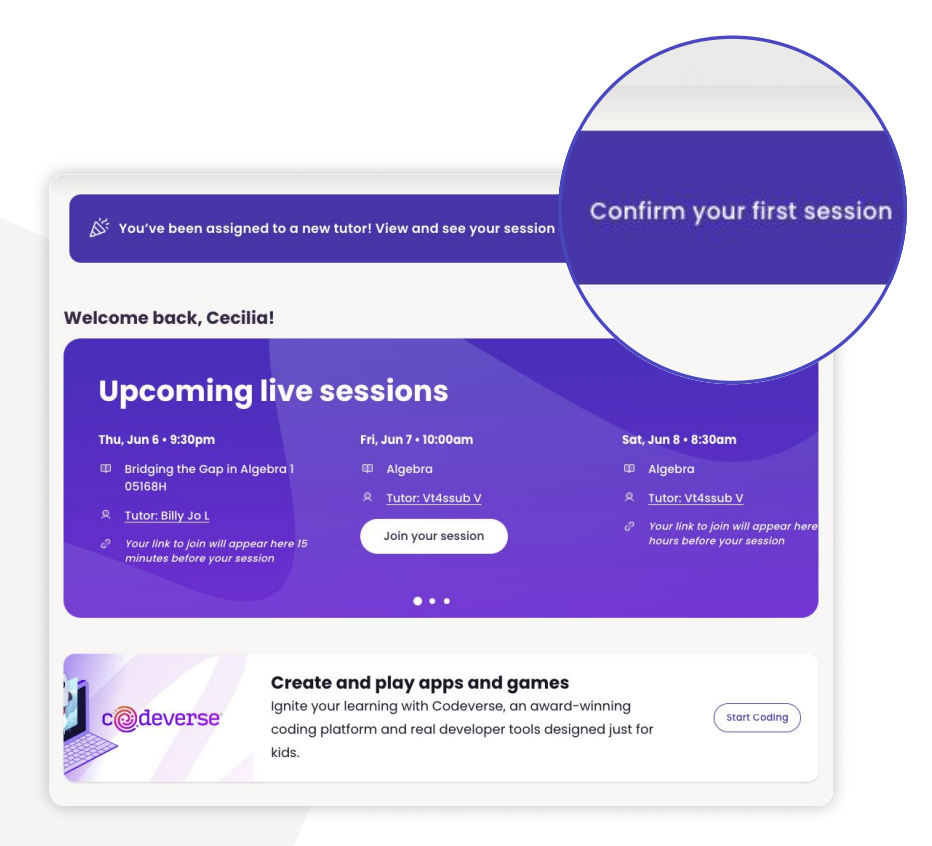
Confirm Your First Session
-
Your tutor will be automatically assigned after your first consultation with the Varsity Tutors Parent Engagement Team.
-
Once your tutor is assigned, your student’s schedule will appear at the top of the home page. Please confirm the sessions.
-
Please make sure to reach out to your tutor to schedule additional weekly sessions in alignment with your student award.__
Message Your Tutor
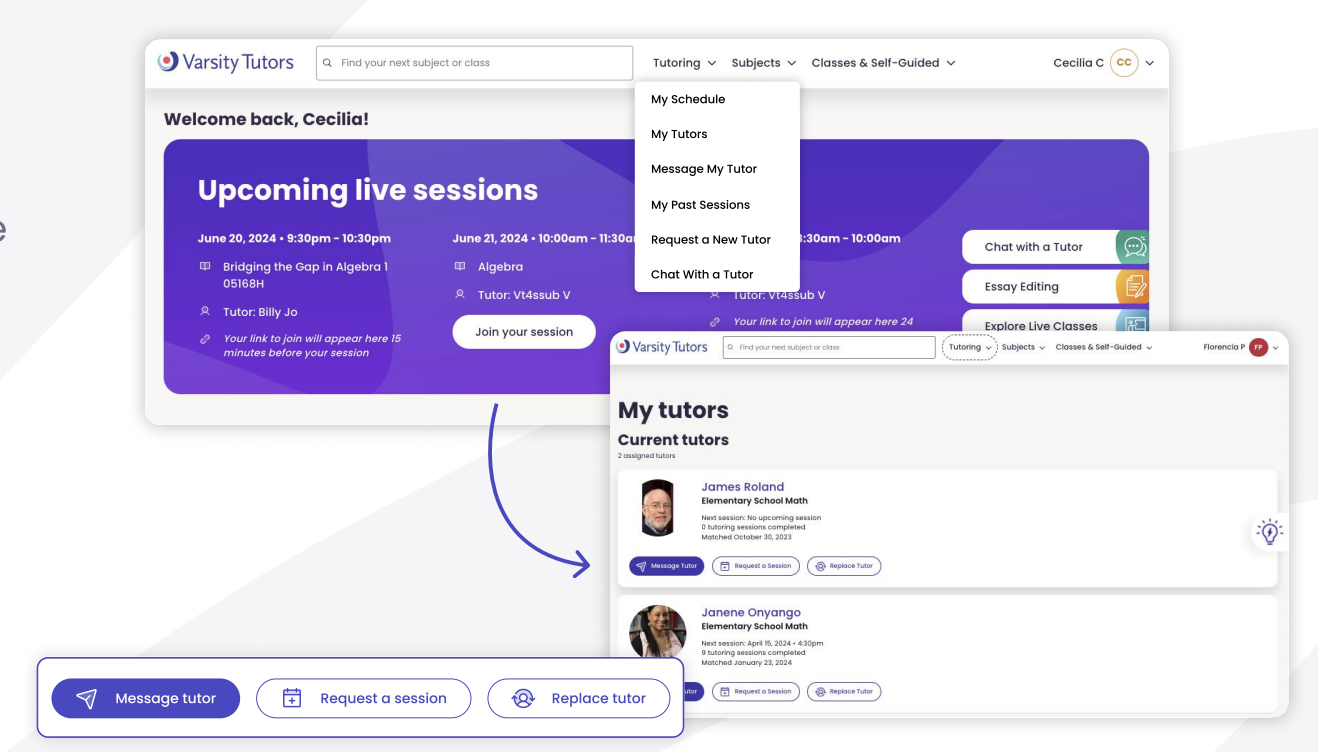
- Feel free to message your tutor to introduce yourself and discuss the learning needs of your student, upcoming sessions, or session content.
Upcoming Live Sessions
-
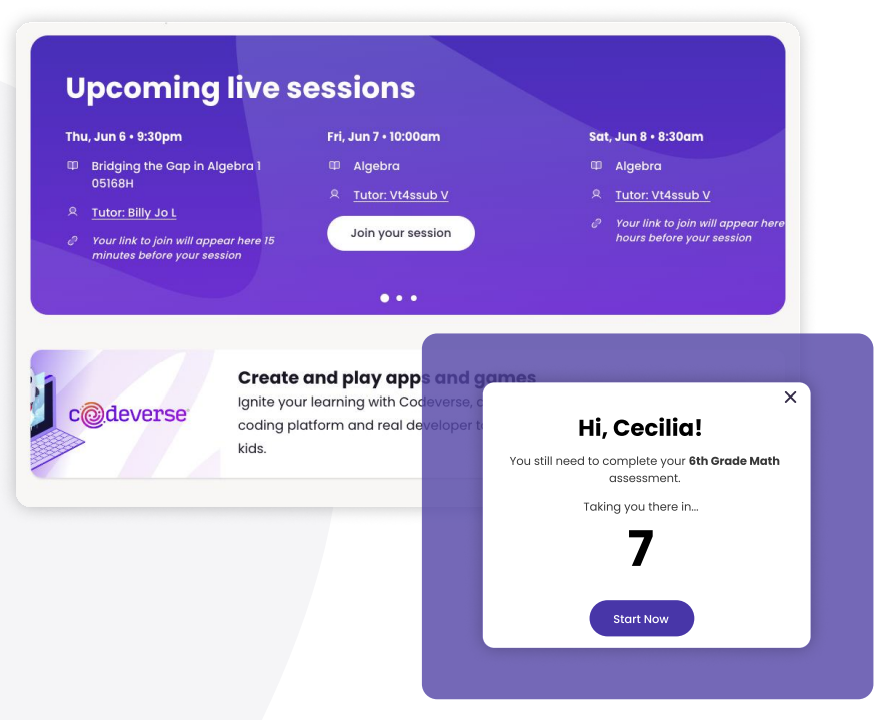
Upcoming sessions will be displayed at the top of the page for quick access.
-
When your student logs in near the session start time, a countdown will appear and automatically take them to the session.
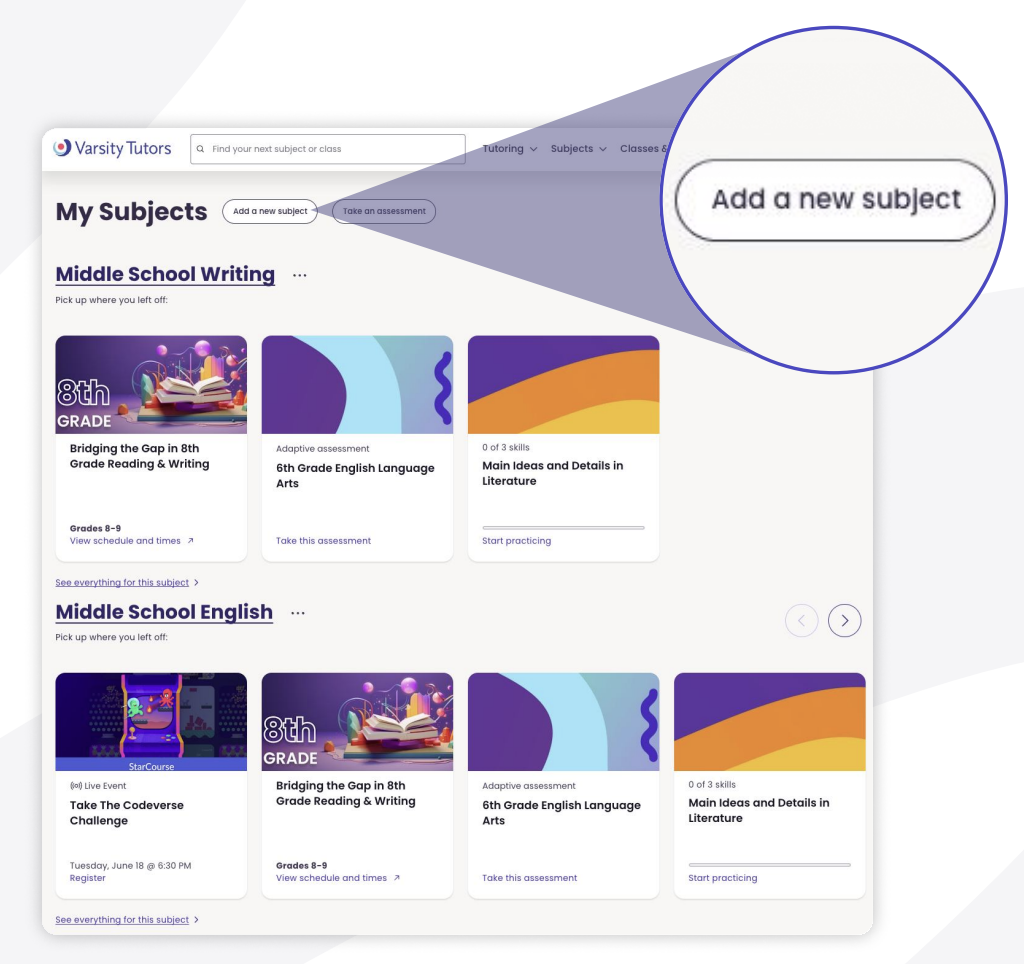
My Subjects
-
This section helps your student continue making progress in their subjects.
-
Most relevant resources appear first. Click “See everything for this subject” for more learning opportunities.
-
To add new subjects, click “Add a new subject,” select your preferred subject, then click “+Add to my learning.”
Toolbar Navigation
Tutoring
-
Access your student’s schedule, tutor list, messages with tutors, and past sessions.
-
Use “AI Chat Tutoring” for quick academic help—ideal for homework questions, exam prep, or new topics.
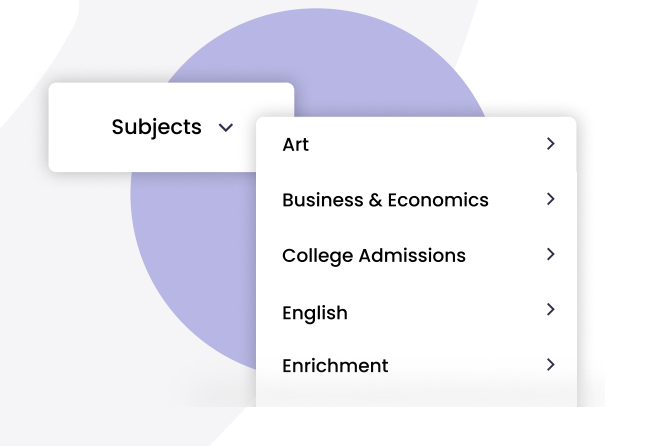
Subjects
- Use this tab to browse additional or extracurricular subjects your student may enjoy.
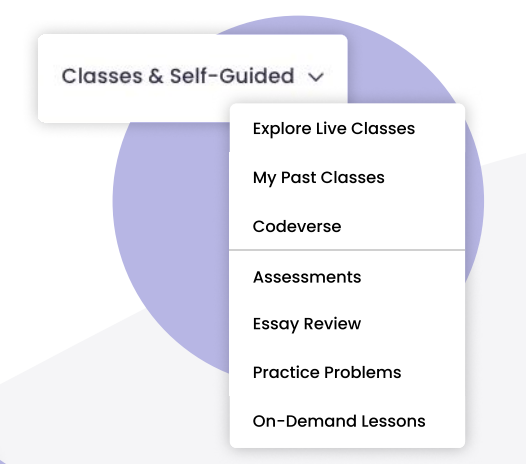
Classes & Self-Guided
- Explore Immersive Live Classes, past classes, the Codeverse program, assessments, essay review, practice problems, and on-demand lessons. Click here to learn more.
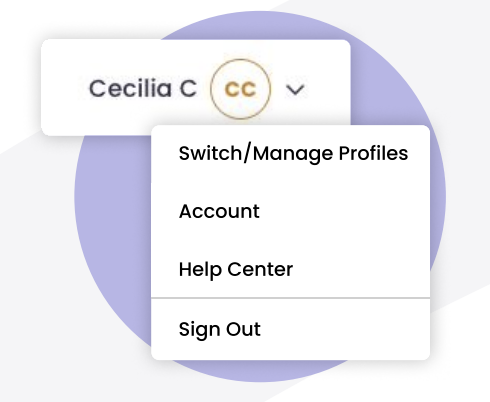
Account
- Manage student profiles, view account settings, access the help center, or sign out.
Additional Learning Resources
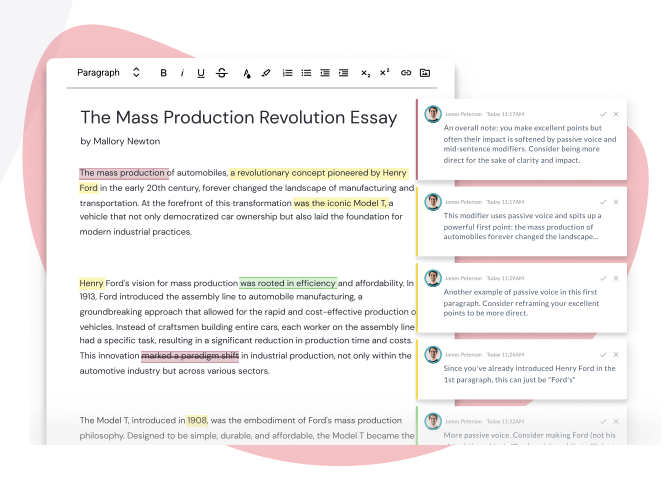
Essay Review
- Students can submit essays to check for plagiarism and receive tutor feedback. Great for improving writing before submitting to a teacher.
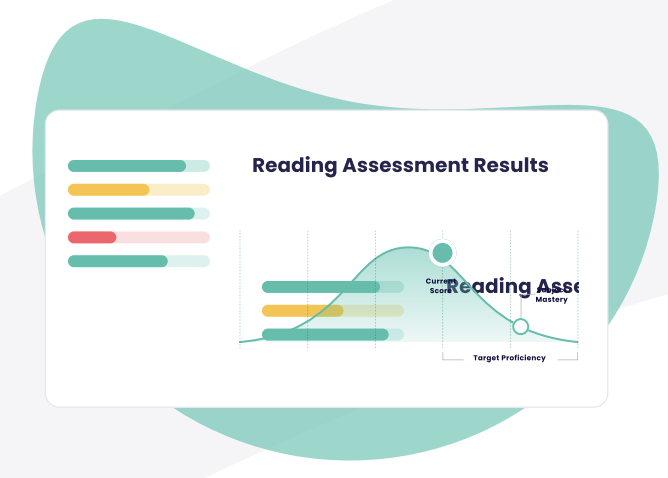
Formative Assessments and Self Study
-
Offers standards-aligned assessments and personalized learning plans. Students can:
-
Take a subject assessment.
-
Get a customized learning plan.
-
Use recorded/live classes, 24/7 tutoring, and practice problems to study efficiently.
-
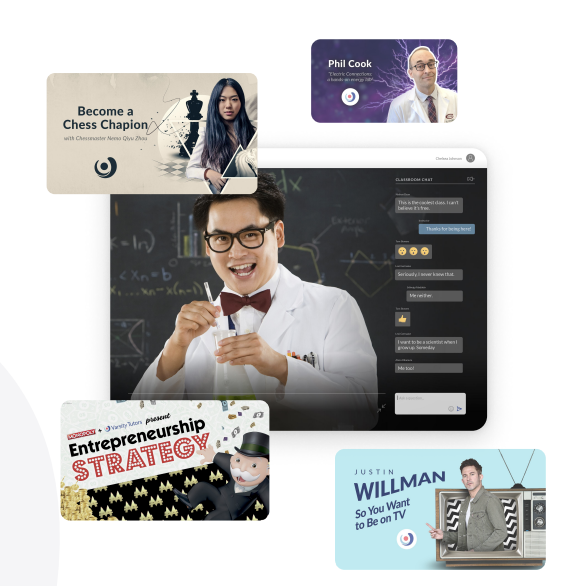
StarCourses
- Celebrity-led courses that make learning exciting and engaging by sharing real-world experiences and insights in various subjects.
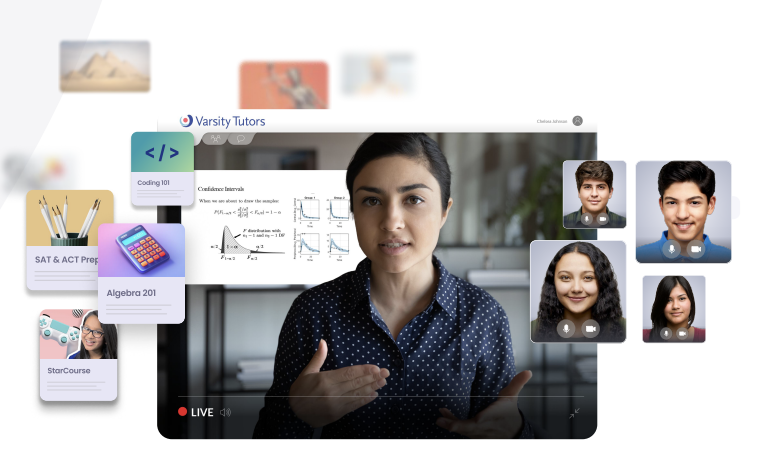
Immersive Live Classes & On-Demand Classes
-
Live sessions are webinar-style and updated monthly, with limited capacity.
-
Recorded classes are available on demand, allowing students to learn at their own pace.
-
*Please note: Live group classes are not recorded or available for viewing. Only pre-recorded classes without students present will be avavilable to view asynchronously.
-
College & Career Readiness
-
Resources and workshops to prepare students for:
-
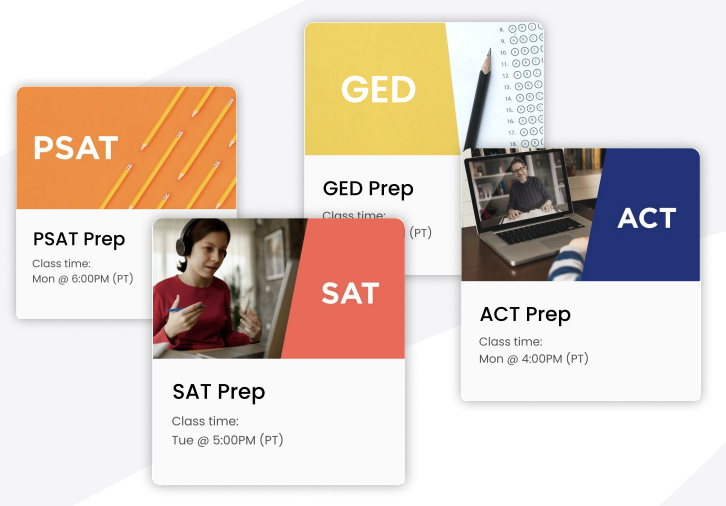
SAT, ACT, PSAT, and GED
-
College applications
-
Resume writing, interviewing, internships, certifications, and job readiness skill
-