
This article will walk you through a step by step process to join a tutoring session.
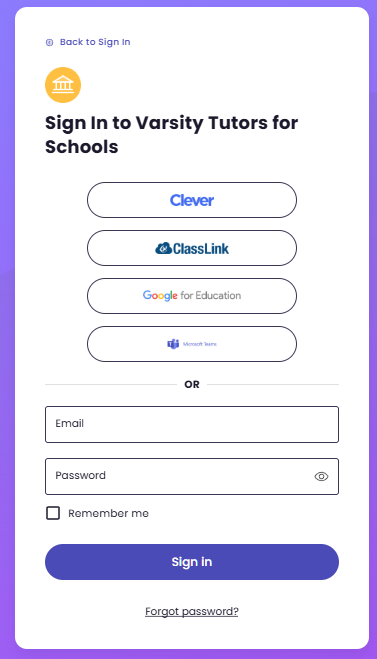
Step 1: Go to https://www.varsitytutors.com/login-for-schools and sign in through your school provided SSO.
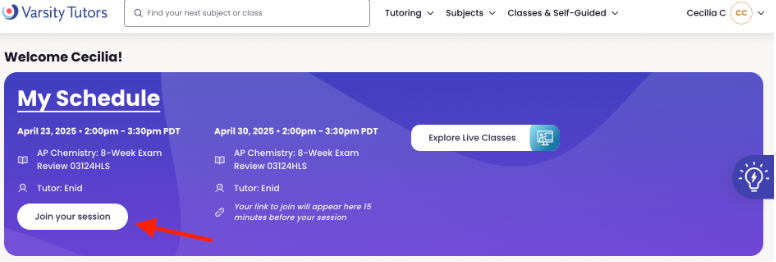
Step 2: After you sign in you will be directed to the My Learning homepage. If you have a scheduled tutoring session it will be here. 15 minutes before the session you will see a "Join your session" button. To enter the session click the "Join your session" button.
Step 3: You will be asked to enable and test your camera, microphone, and audio. Once this is complete you will enter the session with your tutor.