Logging in is easy! Ask an administrator or your IT Director which sign-on method your district has chosen, then follow the directions below to sign in.
Universal Login: All Sign-On Methods
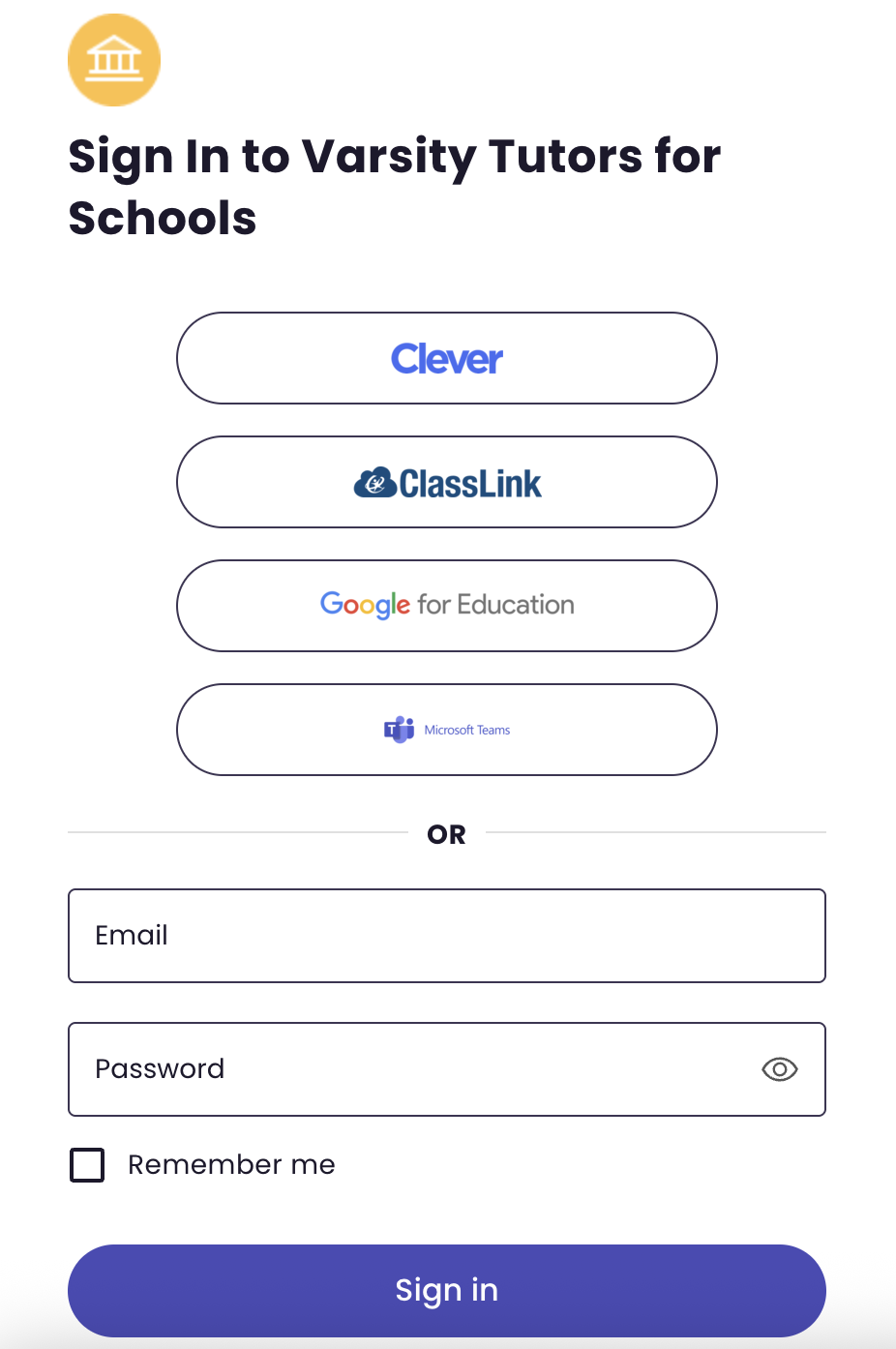
- Go to: https://www.varsitytutors.com/login-for-schools
- Select your district's sign-on method
- Clever, Classlink, Google, and Microsoft Teams: You will be automatically signed into Varsity Tutors
- You will be asked to login to your district Clever, Classlink, Google, or MS Teams account if you are not signed in at the time you attempt to access Varsity Tutors
- If using Username + Password, enter your school email address and the password provided by your school
- Clever, Classlink, Google, and Microsoft Teams: You will be automatically signed into Varsity Tutors
Single Sign-Ons: Clever, Classlink, and Google Classroom
- Sign into your SSO (Clever, Classlink or Google Classroom)
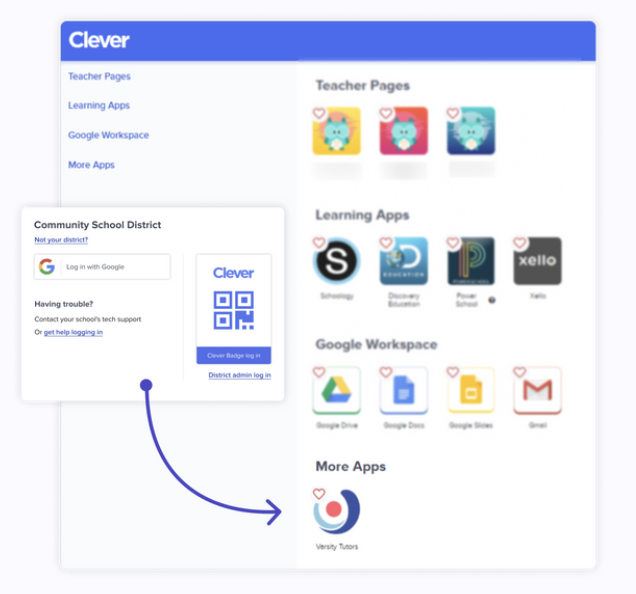
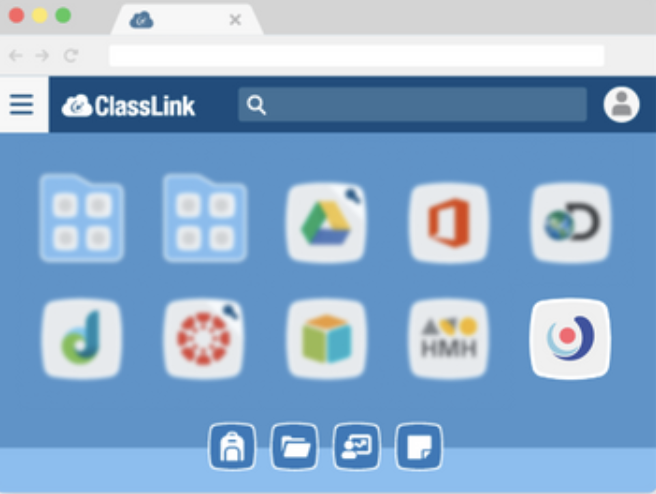
- For Clever and Classlink, access your app dashboard
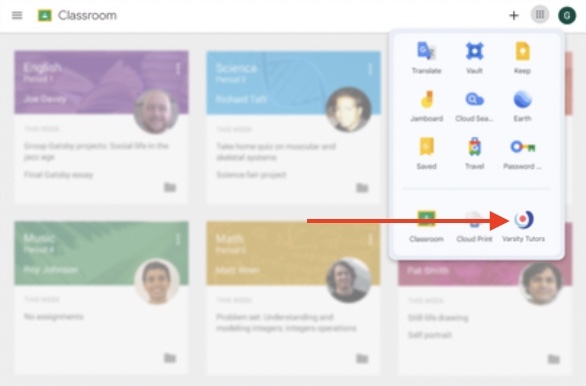
- For Google Classroom, open your Launchpad (Waffle) menu
- Click on the Varsity Tutors app icon for instant access
Clever
Classlink
Google Classroom