
Logging In is easy! Follow these steps to access your Varsity Tutors for Schools dashboard and start learning.
Option 1: Log In Through Clever
1. Open Clever:
Visit Clever.com and sign in to your dashboard.
2. Select the Varsity Tutors App:
Click on the app to access your dashboard.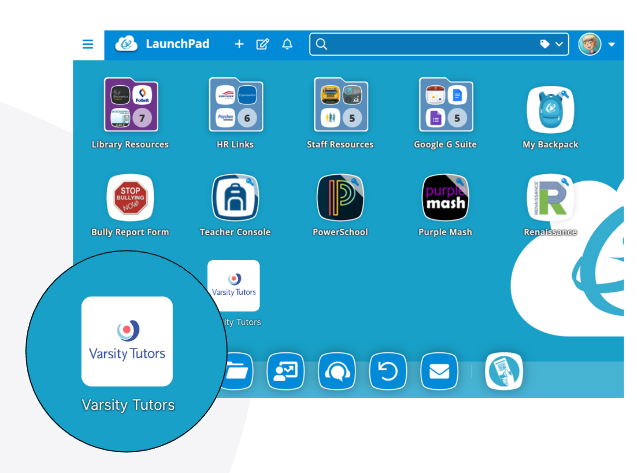
3.Explore the Platform:
Once logged in, navigate your dashboard to access classes, subjects, and other learning resources
Option 2: Log In Through Varsity Tutors
1. Login to Varsity Tutors:
Visit www.varsitytutors.com/login-for-schools**
2. Select SSO Login:
**Click the "Clever" option.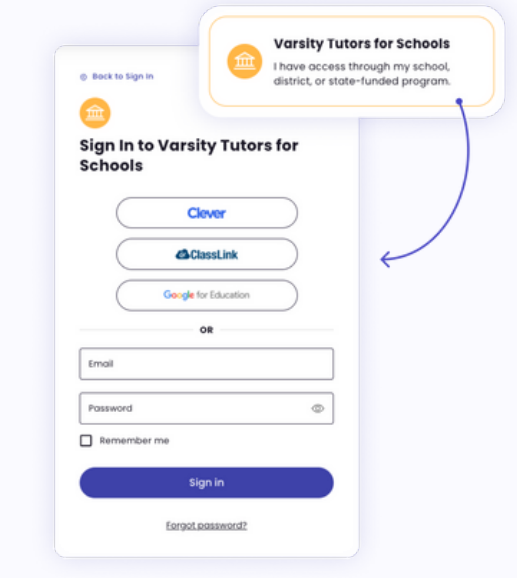
3. Enter your Clever Credentials:
You'll be redirected to log in with your school-provided Clever credentials.
4. Explore the Platform:
Once logged in, navigate your dashboard to access classes, subjects, and other learning resources.