
A quick overview of how a student can access their tutoring session.
Starting a Live Tutoring Session
- Login to Varsity Tutors by selecting your school district's sign on method. You will be taken to your home screen.
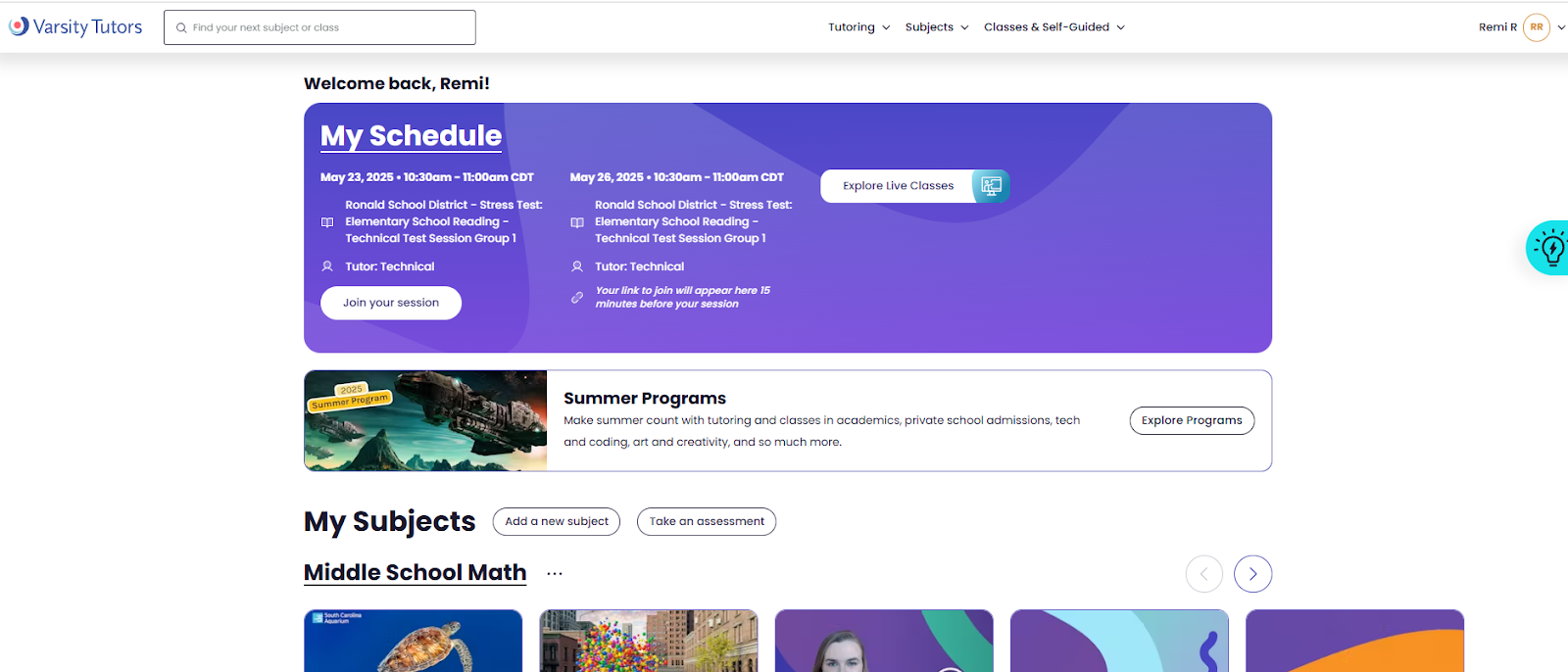
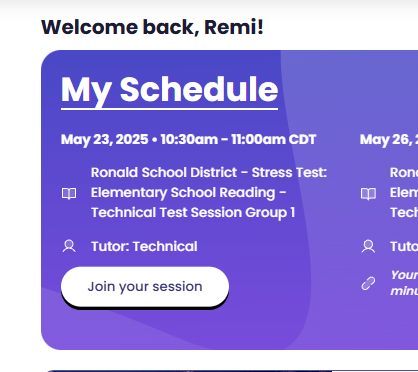
- The purple "My Schedule" section will show your upcoming tutoring sessions. Click on the "Join your session" button to launch your tutoring session.
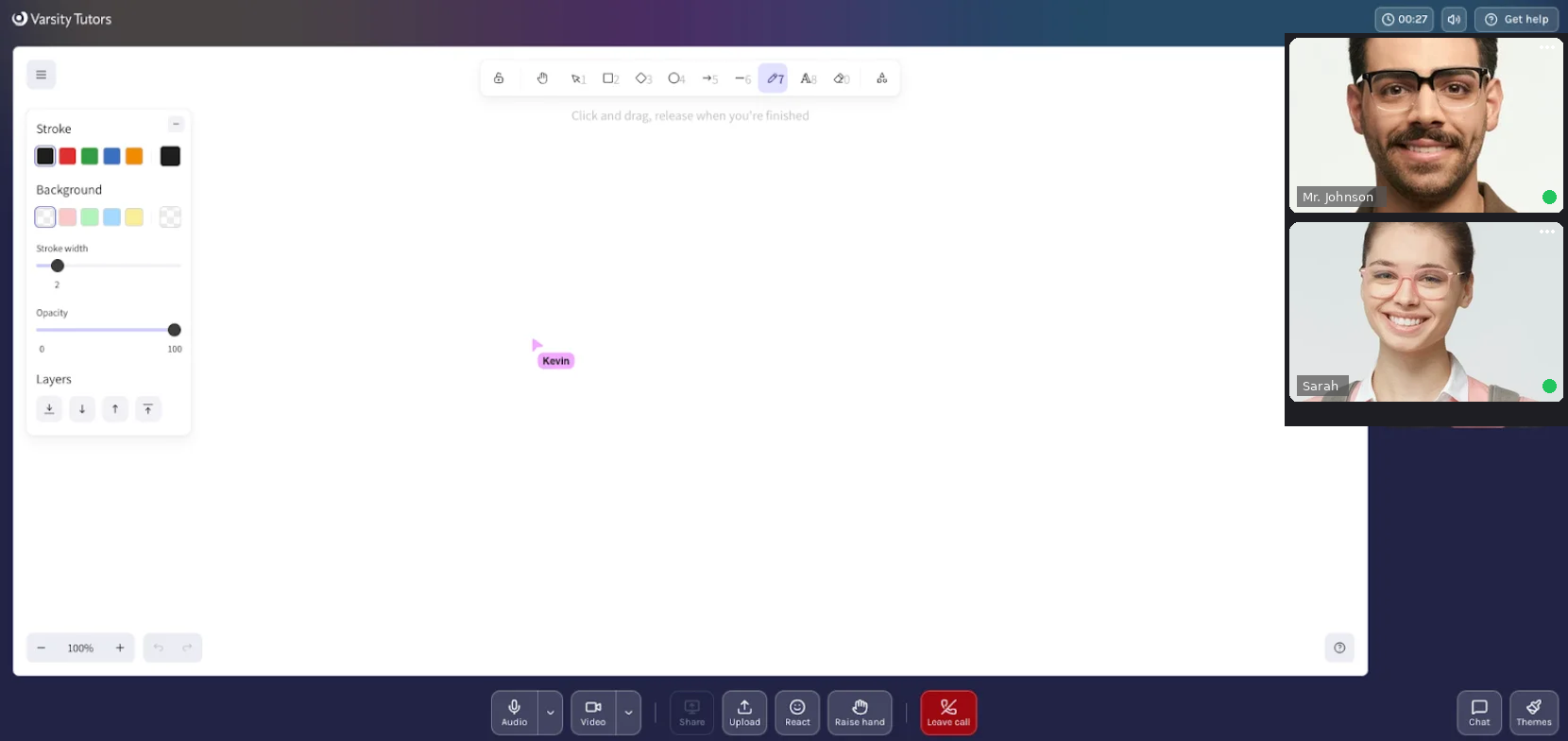
- You may be prompted to test your audio and video. Once complete, the learning platform will launch your session. Your video will be visible on the top left of the screen and your tutor's video will appear just below as soon as they join.
Starting an AI Tutor Chat Session
- Login to Varsity Tutors by selecting your school district's sign on method. You will be taken to your home screen.
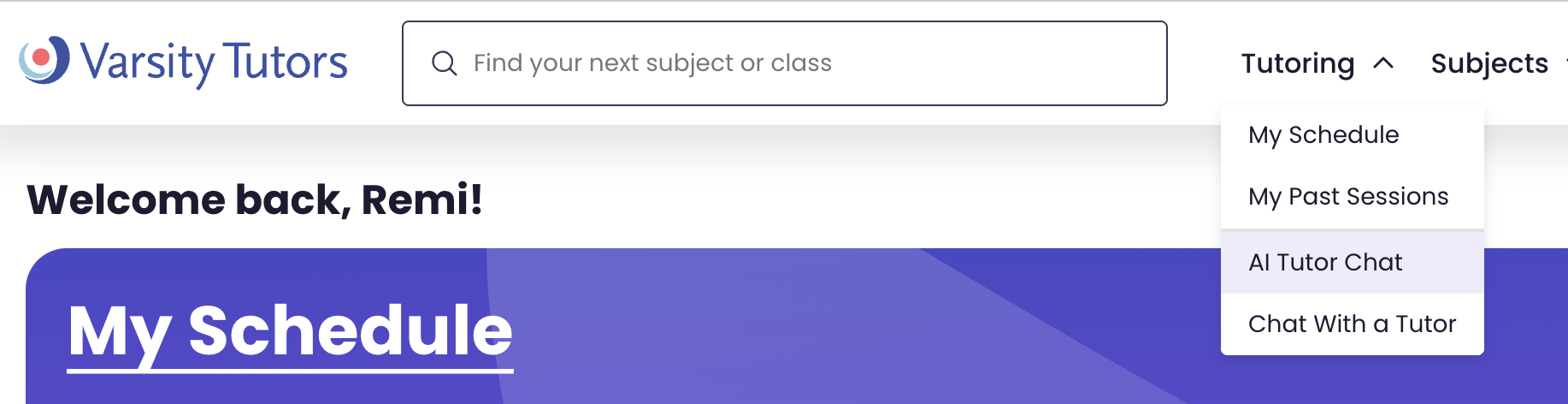
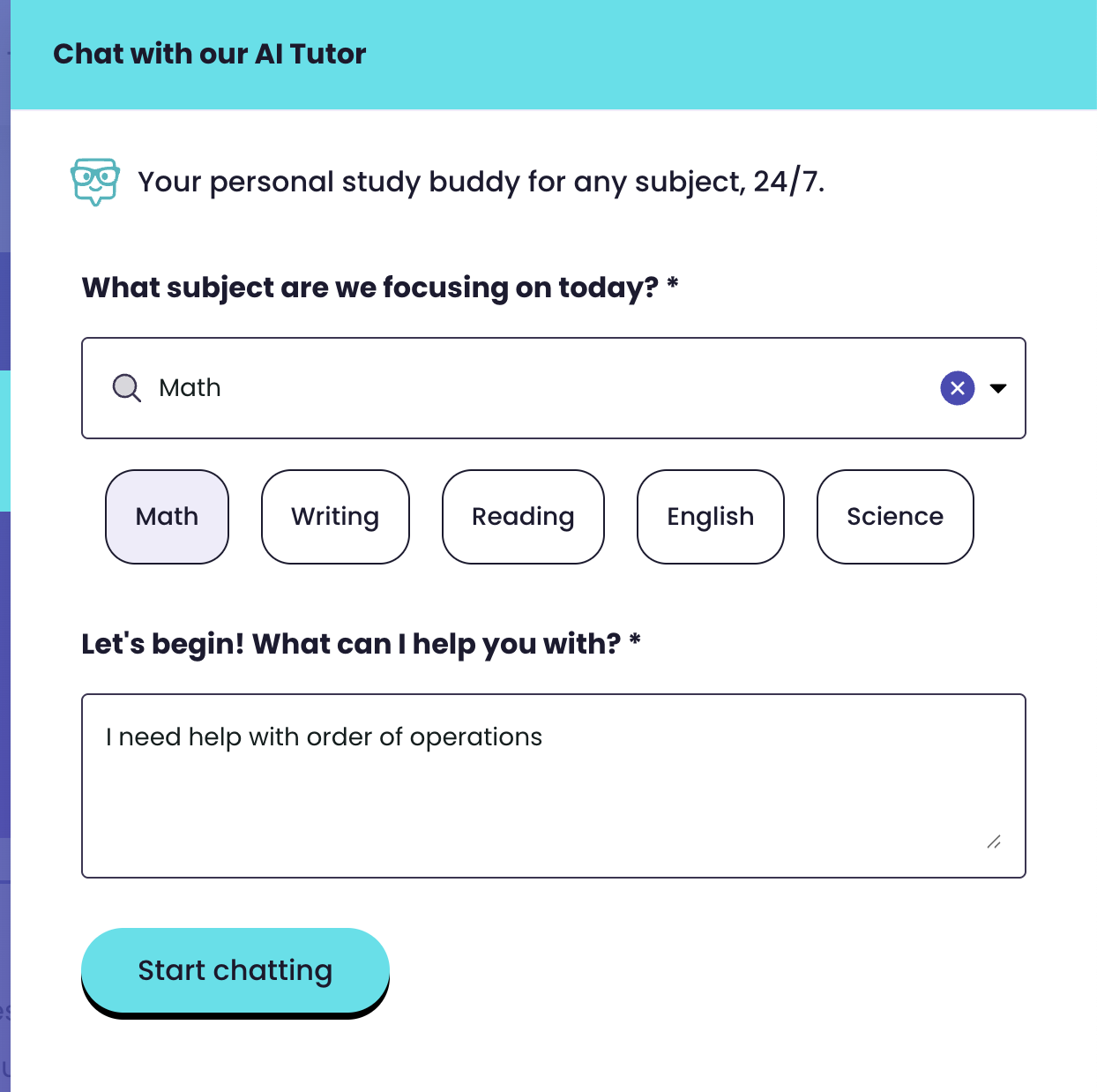
- Click on Tutoring, then select "AI Tutor Chat".
- Select the subject you'd like help with - you can click one of the popular subject buttons, or search for the specific subject you are working on.
Starting a Live Tutor Chat Session
- Login to Varsity Tutors by selecting your school district's sign on method. You will be taken to your home screen.
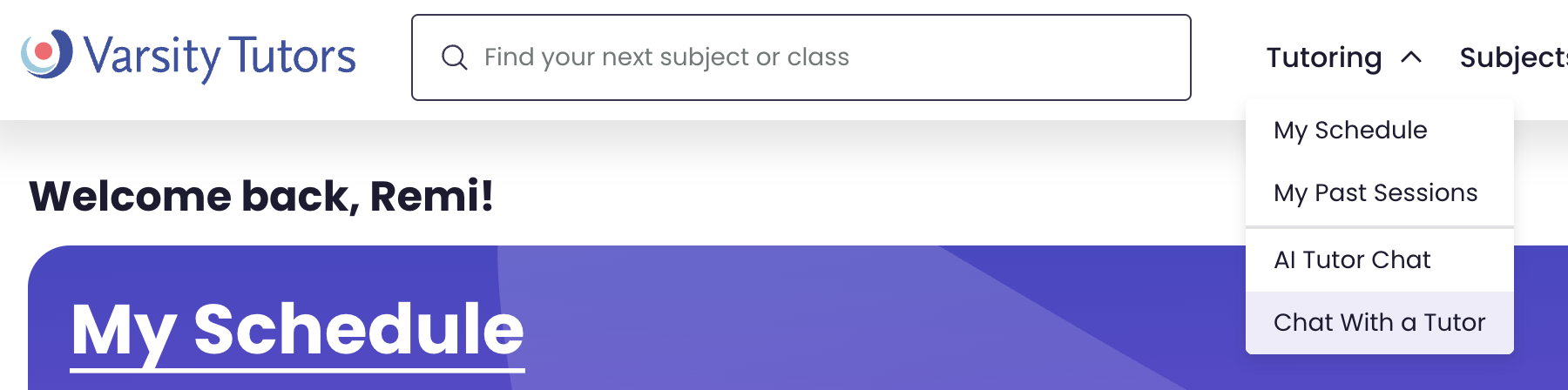
- Click on Tutoring, then select "Chat with a Tutor".
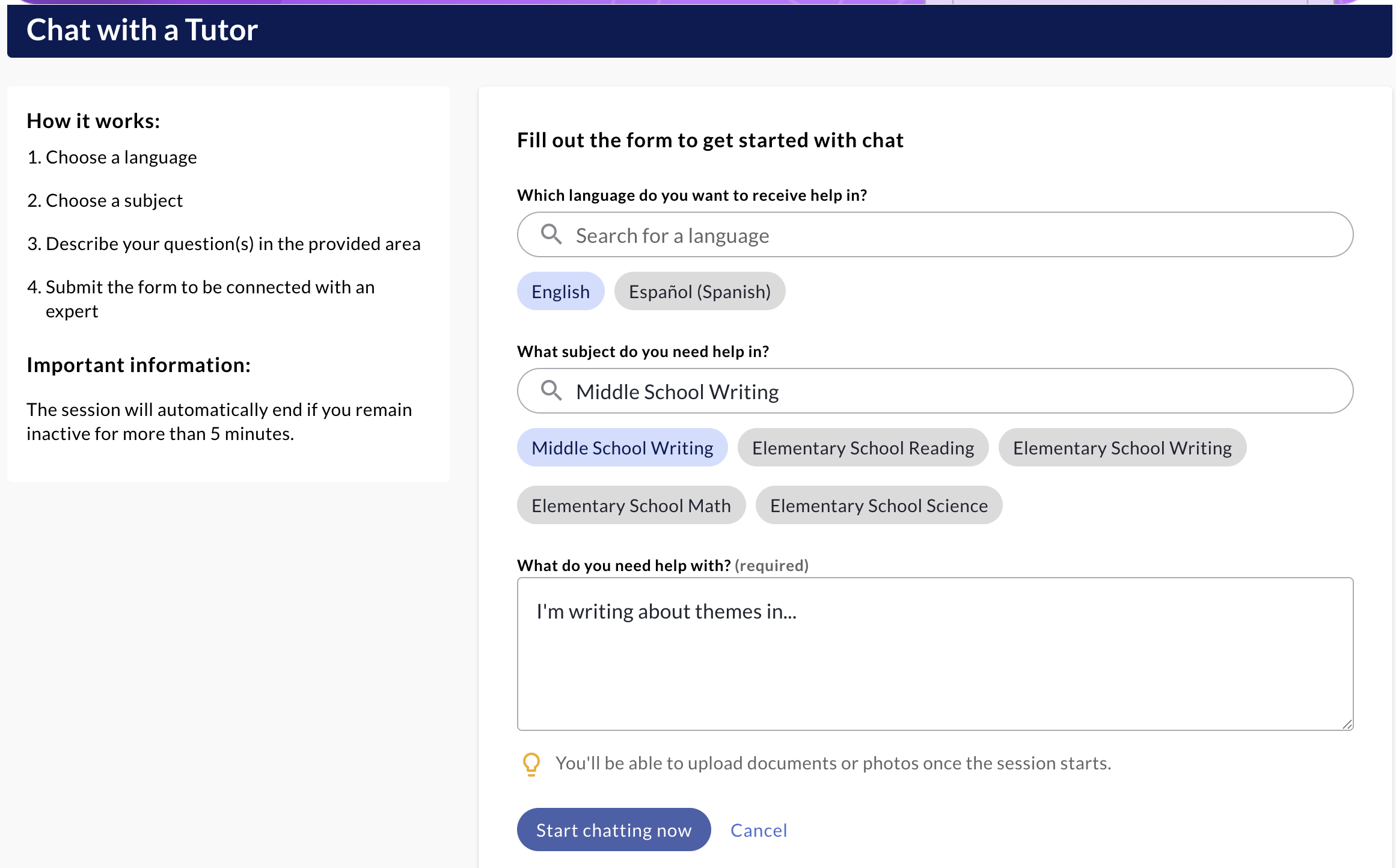
- Scroll down to the "Chat with a Tutor" questions. Choose a language and subject, then ask a question or give context on your need. Click "Start chatting now" to be matched with a tutor. You can upload documents or photos of your work once the session starts.
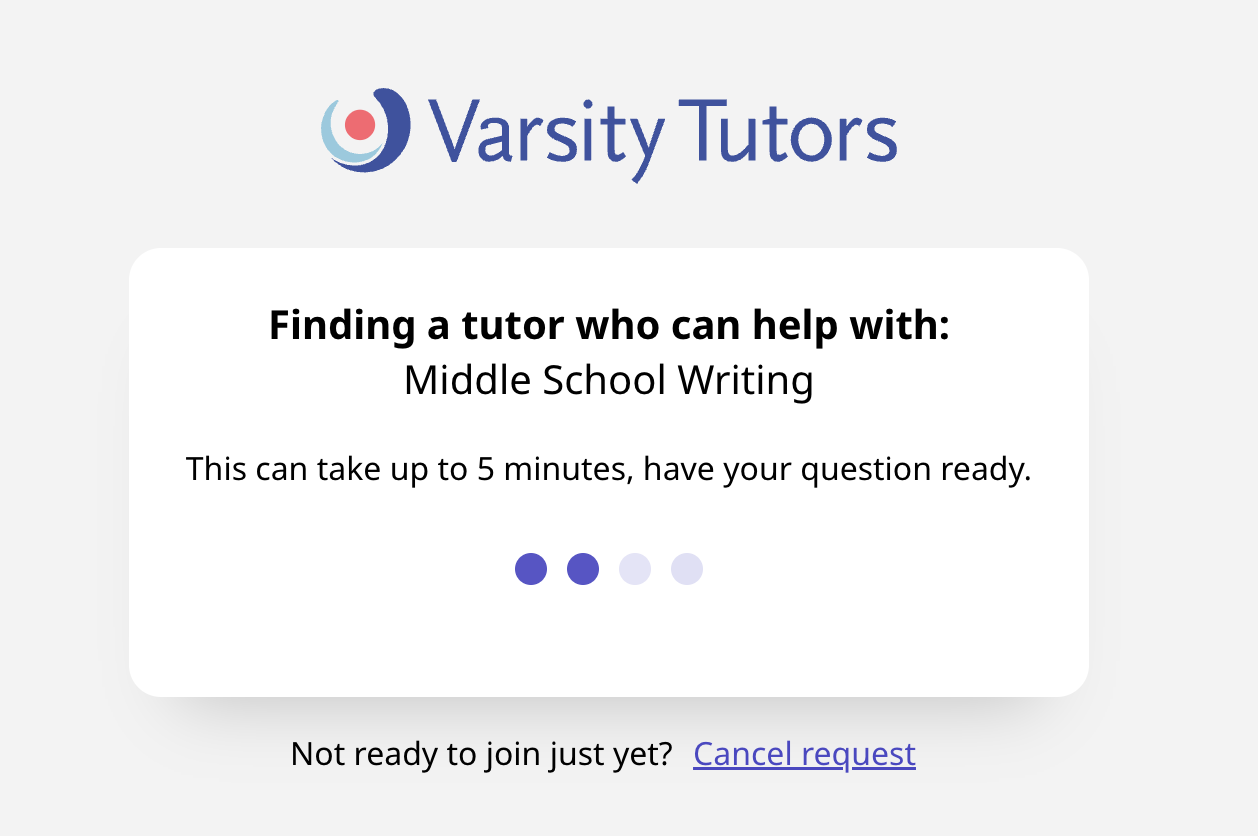
- Using the shared whiteboard and collaborative tools, you can work with the tutor for as long as you need to understand the problem.